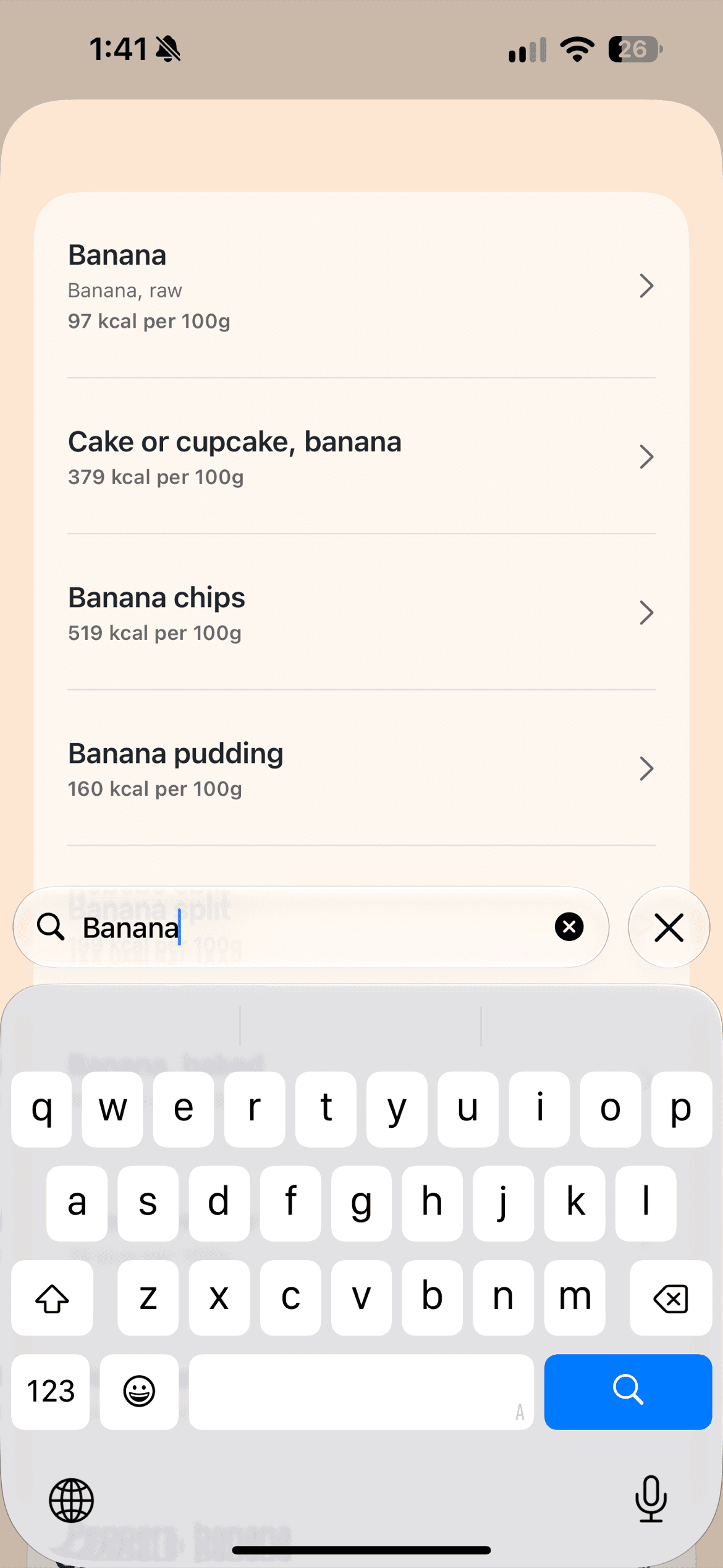
Search food
Find a food in seconds.
The official app for iPhone
Track what matters: log food quickly, see your calories and macros at a glance, and move on with your day.
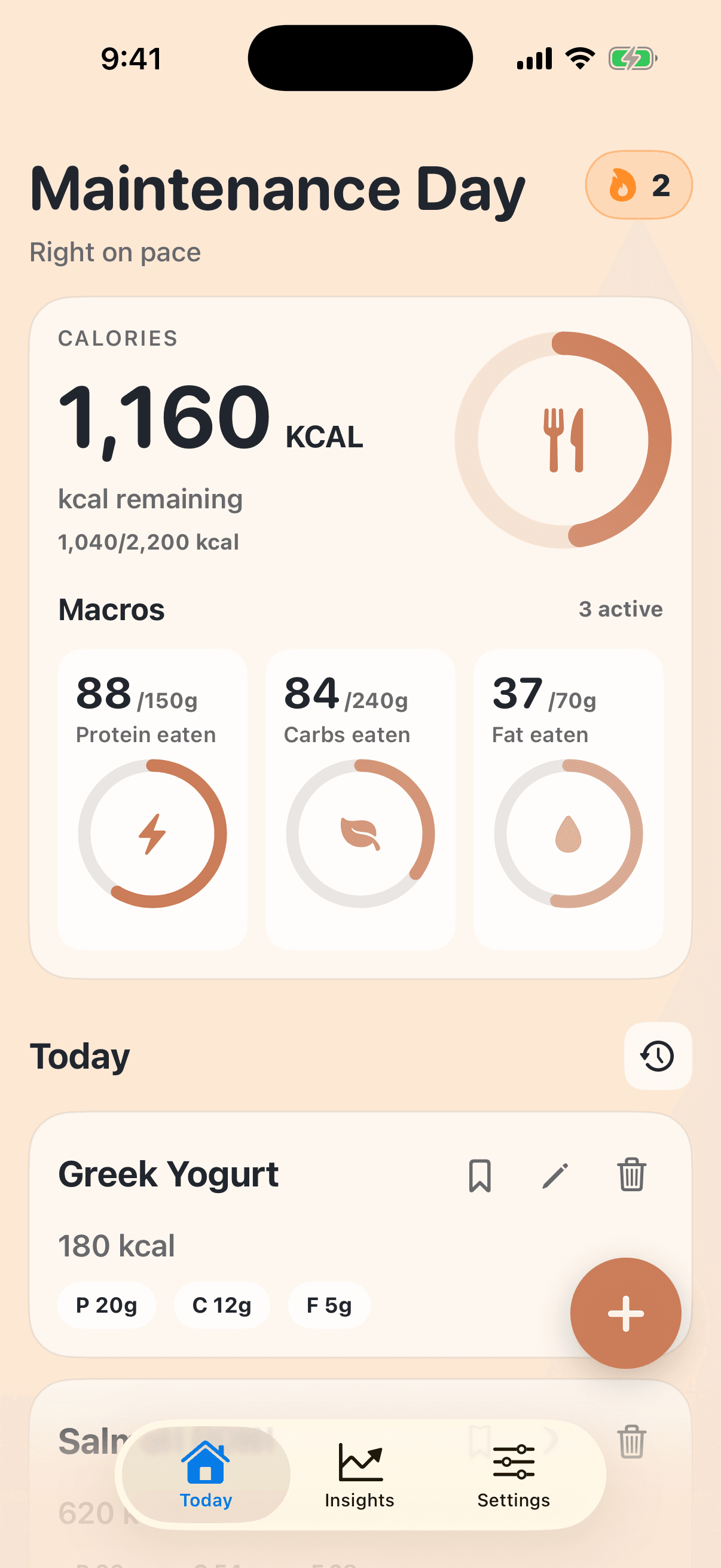
Six simple ways to log
Search, type it in, reuse what you love, or scan when that is faster.
Find a food in seconds.
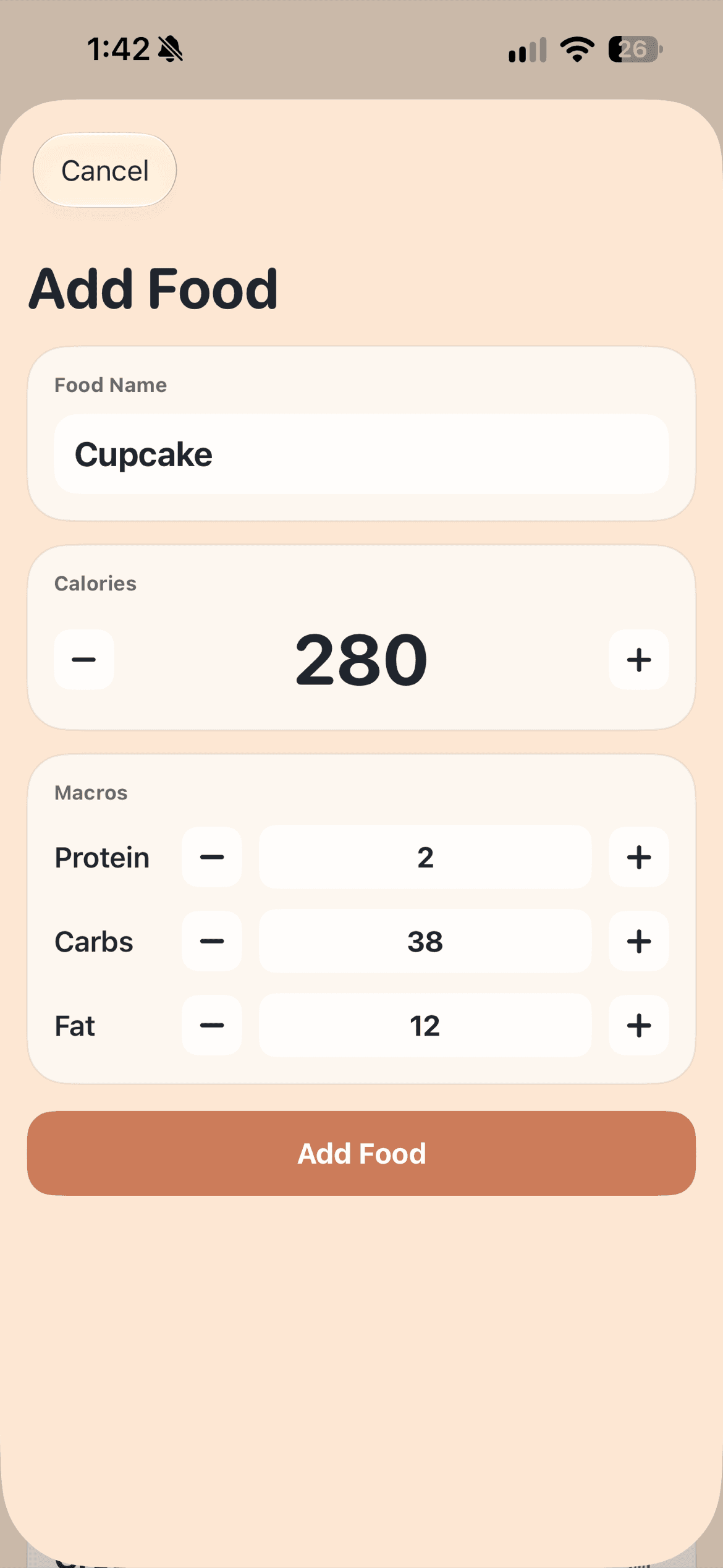
Use your own numbers.
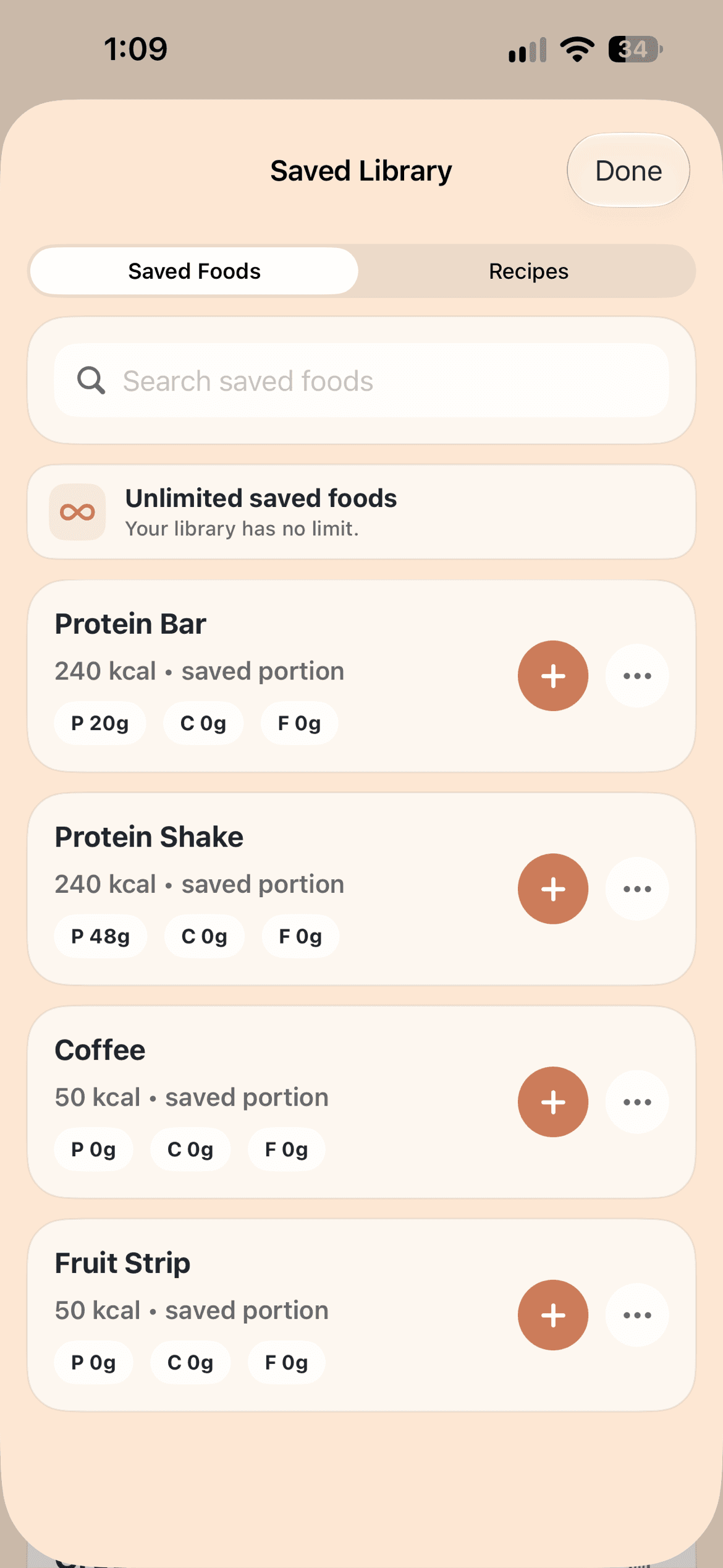
Reuse your regulars.
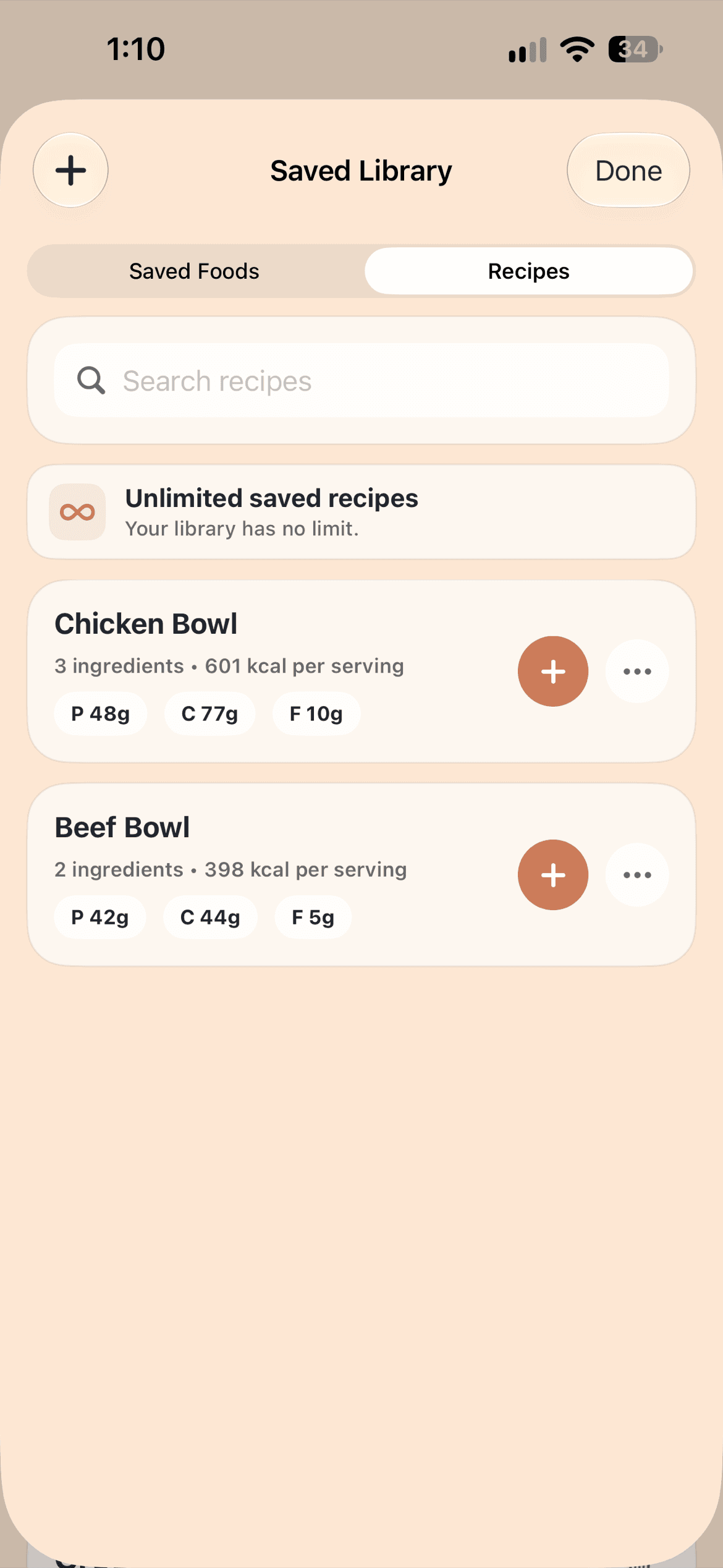
Log the whole meal.
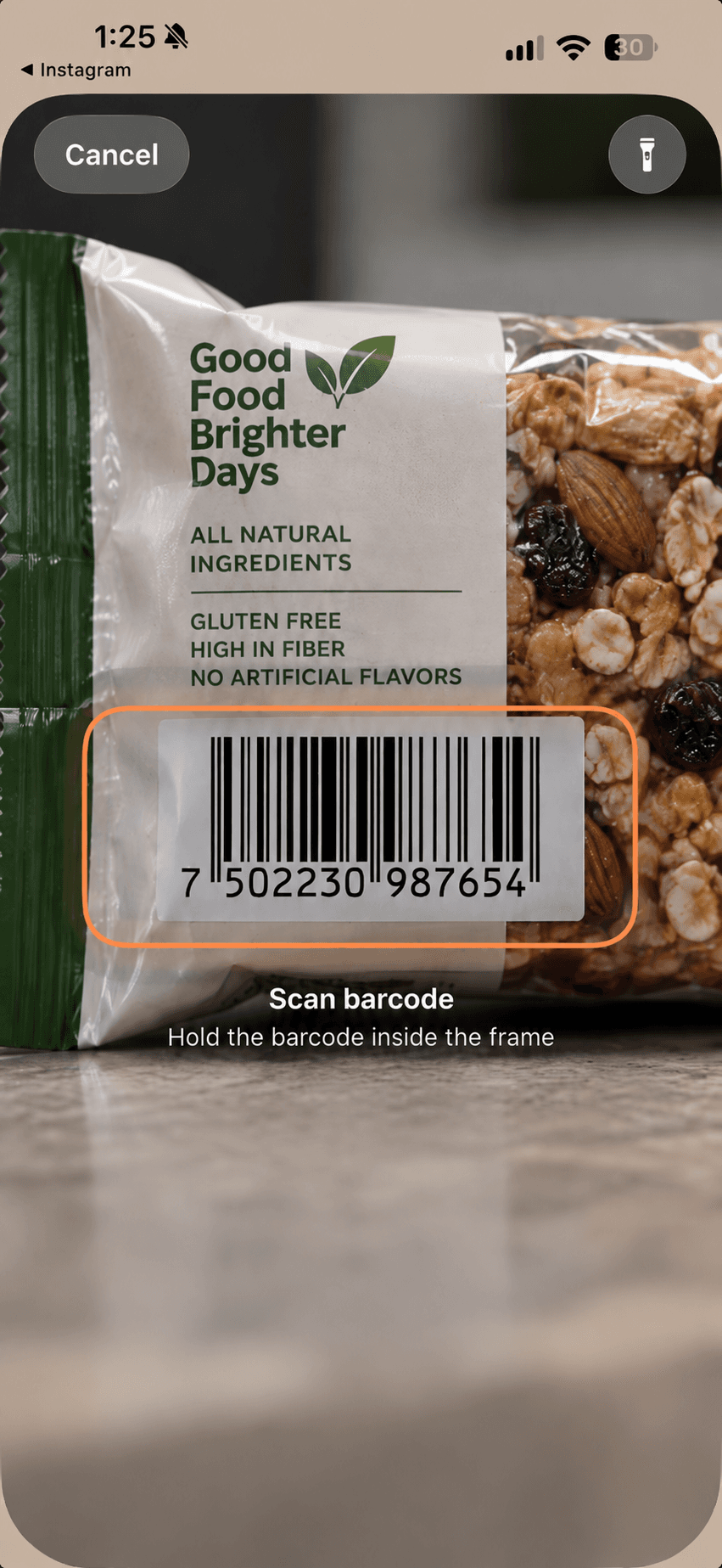
Point, scan, and add.
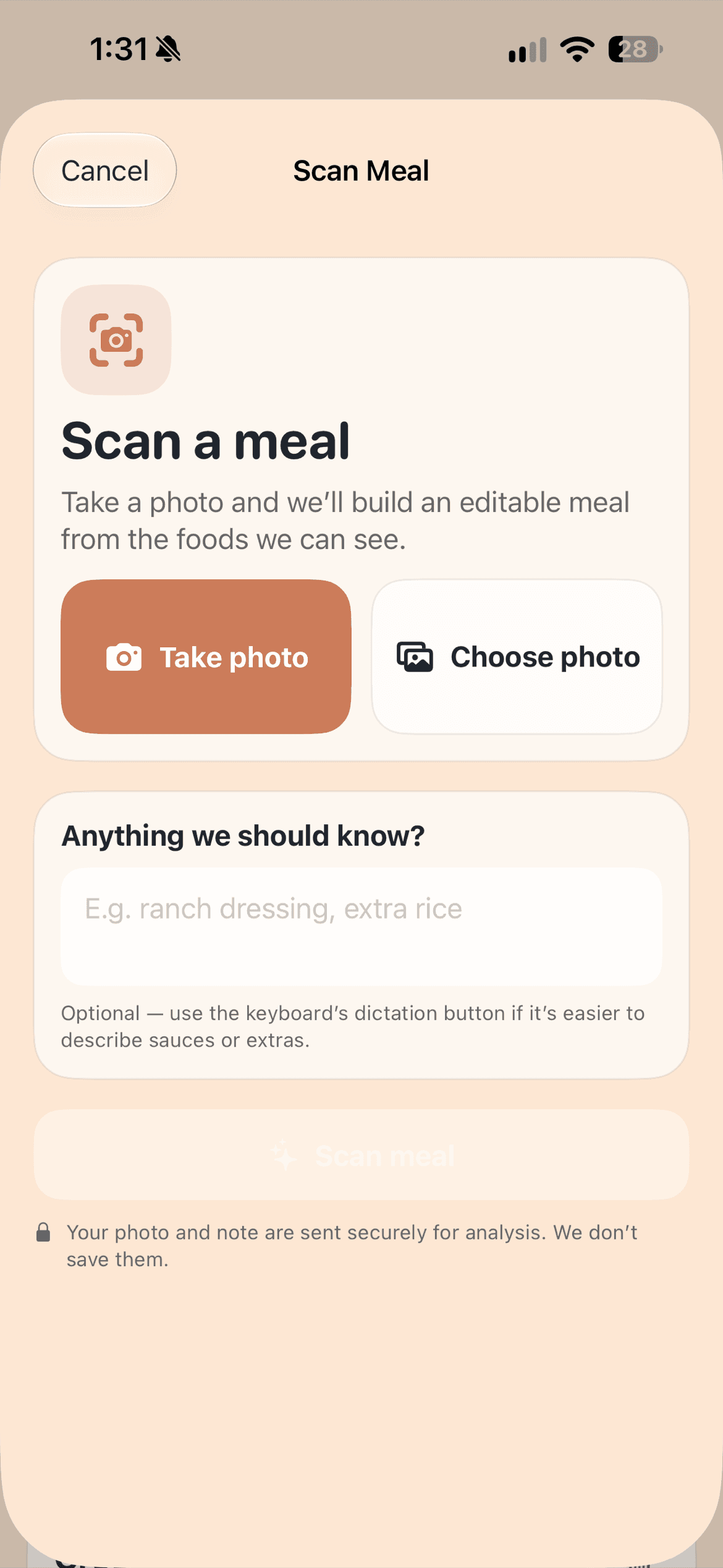
Snap it, then review it.
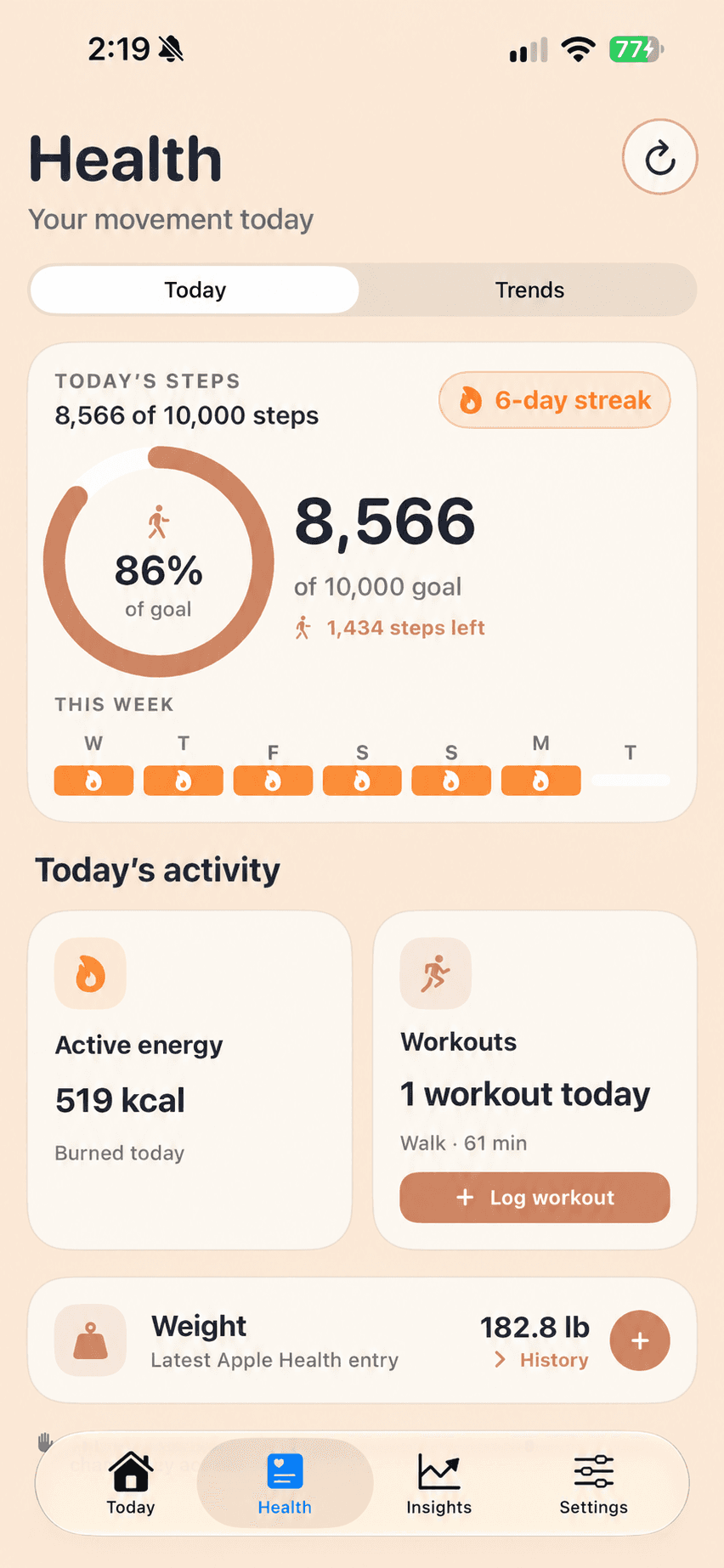
Health features
Keep your food tracking and everyday activity in one calm place, with Apple Health controls that stay in your hands.
Start with steps. You choose the permissions you share and can change them in iOS Settings at any time.
Give your daily movement a clear target alongside the calories and macros you already track.
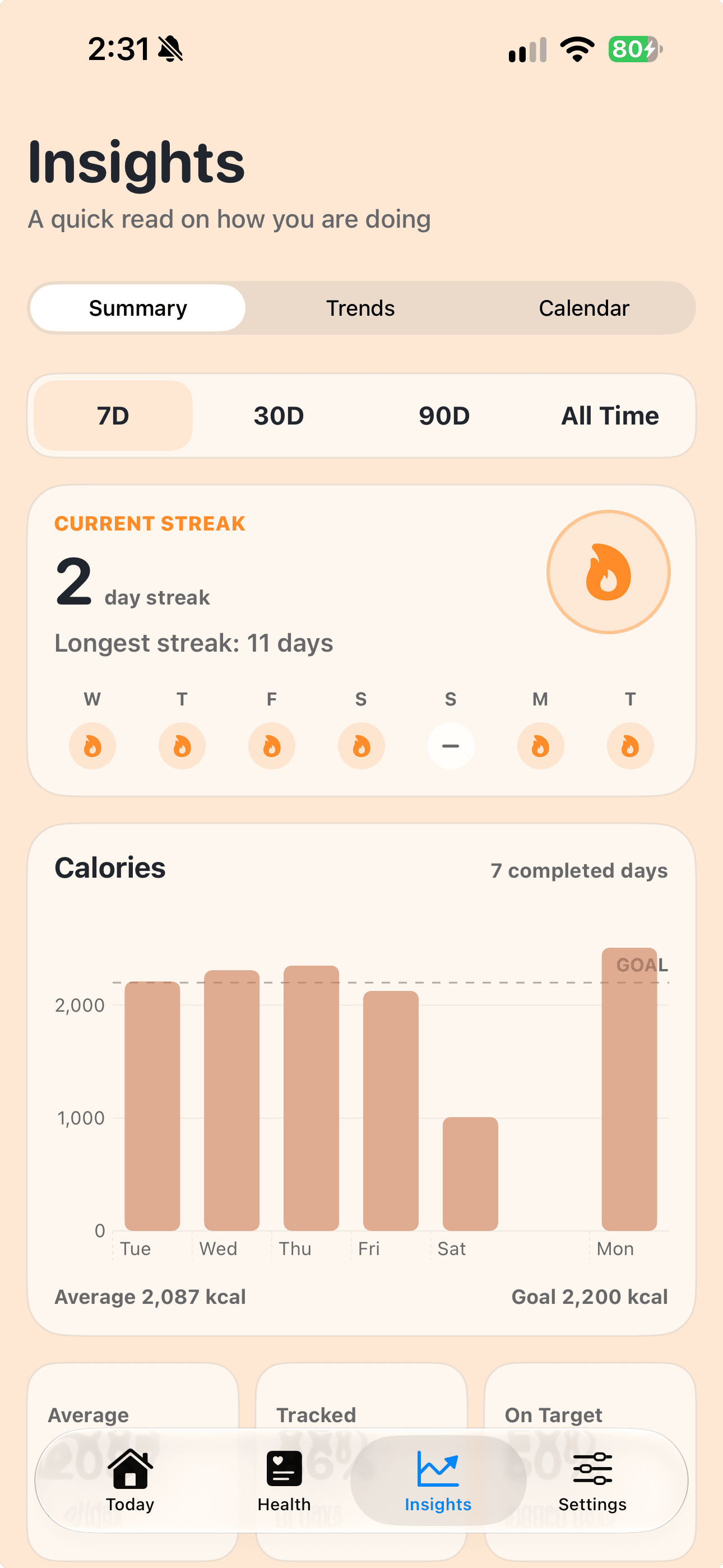
See your progress over time and keep the habits that work for you in view.
A little more context, when you want it
Check your history, trends, and streaks when it is helpful—then get back to your day.

“A very simple, no-nonsense calorie tracker with excellent features.”
“No judgement or anything, just recording and tracking.”
“Incredibly self-explanatory and easy to use.”
Clear pricing
All purchases are completed and managed securely through the App Store.
$0
Start with the essentials.
$3.99
Per month, managed through Apple.
Yes. The app is free to download and gives you the essentials for logging food, tracking calories and macros, and setting daily goals. Premium is optional.
Premium includes barcode scanning, AI Meal Scan, advanced insights, health tracking, unlimited saved foods and recipes, and additional customization. Plans are purchased and managed through Apple.
Search thousands of foods, enter a food manually, use a saved food or recipe, or choose a serving size in grams. Premium also includes barcode scanning and AI Meal Scan.
Yes. Barcode scanning is included with Premium for fast packaged-food lookup.
The app can work with Apple Health for steps, goals, and streaks. Premium adds active calories, workouts, and weight tracking with Apple Health. You choose which permissions to grant in iOS.
The data you enter is stored securely on your device and is not accessible to us. If you enable iCloud backup, Apple may store a protected copy in your private iCloud account, which we also cannot access.
Visit our Support page or email support@thesimplestcalorietracker.com. Include your iPhone model, iOS version, app version, and a screenshot when it helps us understand an issue.
A calmer way to track
Download The Simplest Calorie Tracker and start with today.
 Free to download. Optional in-app purchases.